Converting Snapzilla Images to blog posts
January 31, 2010 · 76 views · 0 comments
Nearby In Time
 A hard days work
January 30, 2010
A hard days work
January 30, 2010
 Dedric/Lewie Half and Half
January 30, 2010
Dedric/Lewie Half and Half
January 30, 2010
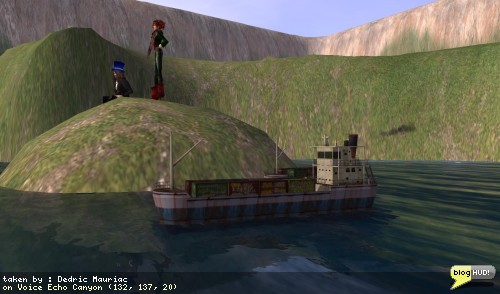 Echo Canyon
January 30, 2010
Echo Canyon
January 30, 2010
.jpg) Echo Canyon
January 30, 2010
Echo Canyon
January 30, 2010
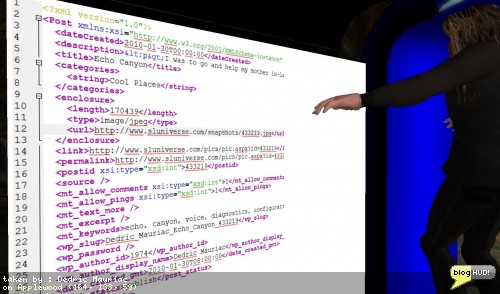 Converting Snapzilla Images to blog posts
January 31, 2010
Converting Snapzilla Images to blog posts
January 31, 2010
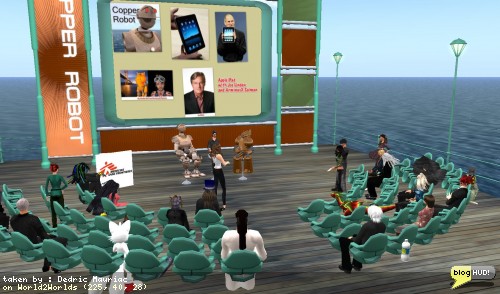 Free iPad for joining Copper Robot group
January 31, 2010
Free iPad for joining Copper Robot group
January 31, 2010
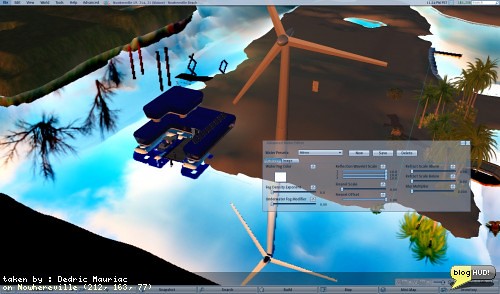 The Perfect Mirror
February 1, 2010
The Perfect Mirror
February 1, 2010
.jpg) Snapzilla Albums
February 1, 2010
Snapzilla Albums
February 1, 2010
 Snapzilla Albums
February 1, 2010
Snapzilla Albums
February 1, 2010
About
After the success of using "Snap Down" earlier, I was able to parse through the cached data to extract metadata about each of my images. I was able to parse out the title, description, slurls, tags, albums, links, slugs, and more. Albums are stored as categories, and tags are stored as keywords. I setup the images themselves to be linked as enclosures.There is still one part that I'm scratching my head over. The snapzill website only lists the date that the image was uploaded, but does not include the time. This is a bit tricky for me as I can not identify the timezone. I am assuming it is PST to be inline with the time that the virtual environment uses, but I think the snapzilla server might be located on the east coast. Other than that, I believe that's the last thing to work out before I start to upload the images and merge my posts into WordPress. From Dedric Mauriac via bloghud.com